Recently, I was working on a blog post and wanted a friend to review the post for me. The friend did not have access to my blog and nothing against the friend but I did not want him too. This can be a common problem and I knew with WordPress there had to be an easy solution. I was right.
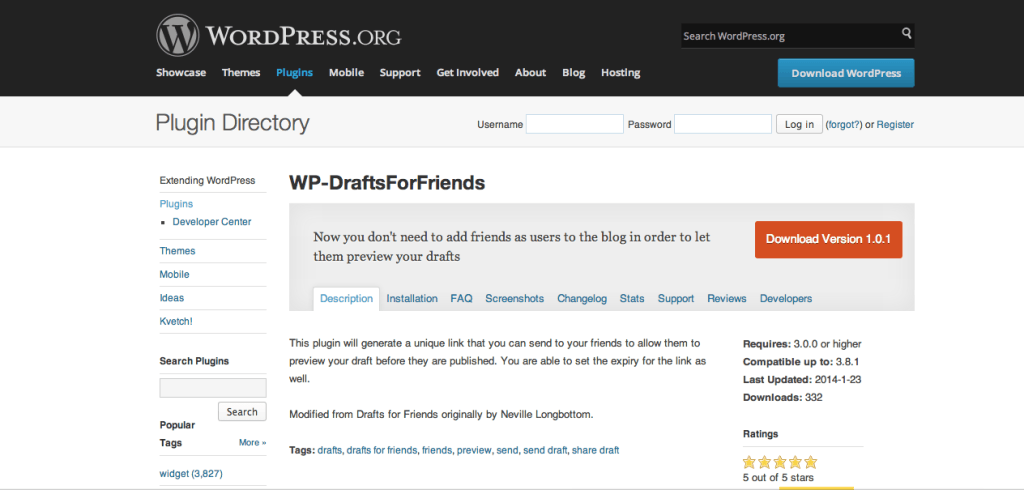
WP-DraftsForFriends was the perfect solution but it did take me a bit of effort to understand how to use it. Below you will find a tutorial video with directions on how to use this free plug-in.
Why would I share a blog post draft?
If you are trying to imagine scenarios where this may be valuable here is one and it includes a call out to all of you bloggers. I want to start interviewing beginner bloggers about their blogging experience. In this process I realized that once I do the interview and write the piece I would like for the bloggers to see the post before I publish it. At the same time though, I did not want to provide all of these bloggers log-in access to my blog for this review process. This is when I started looking for a solution and that is the beauty of WordPress there are solutions for just about everything.
Does the tool work?
I did find other WordPress plug-ins and even tried out another one before I settled on WP-DraftForFriends but I could not get the other ones to work. When I found this one I was relieved and then quickly disappointed. At first I thought that this plug-in was not going to work either but I did what anyone would do and Googled the answer. To my shock, I could not find a good tutorial on how to use this tool. Honestly, I was just about to uninstall it when I decided to just dig around one more time and that is when I found the key, which is in the video below.
WordPress to the rescue, almost!
Another WordPress solution that I recently found was for exporting post data to Microsoft Excel. The plug-in was aptly called Export to Excel. This plug-in worked beautifully and did exactly what it said that it would do. Sadly, I did not really think through what I was wanting and while it worked as described it did not help me achieve my goal. I was wanting a list of my blog posts titles exported to excel and not all of the content that goes with them. So while I did not get what I was looking for, if you need all of your content in excel format this may be the plug-in.
Leave a Reply